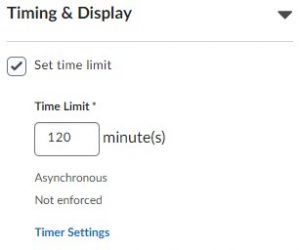
- Under “Timing & Display”, check the box for “Set time limit”, and then enter the maximum allowed time in minutes. This time starts counting down from when a student start the quiz.
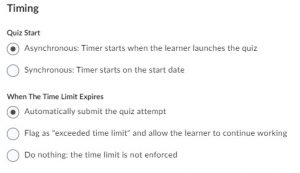
- Click on “Timer Settings” for few extra settings regarding the Quiz start time, and the action option for when the time limit expires.