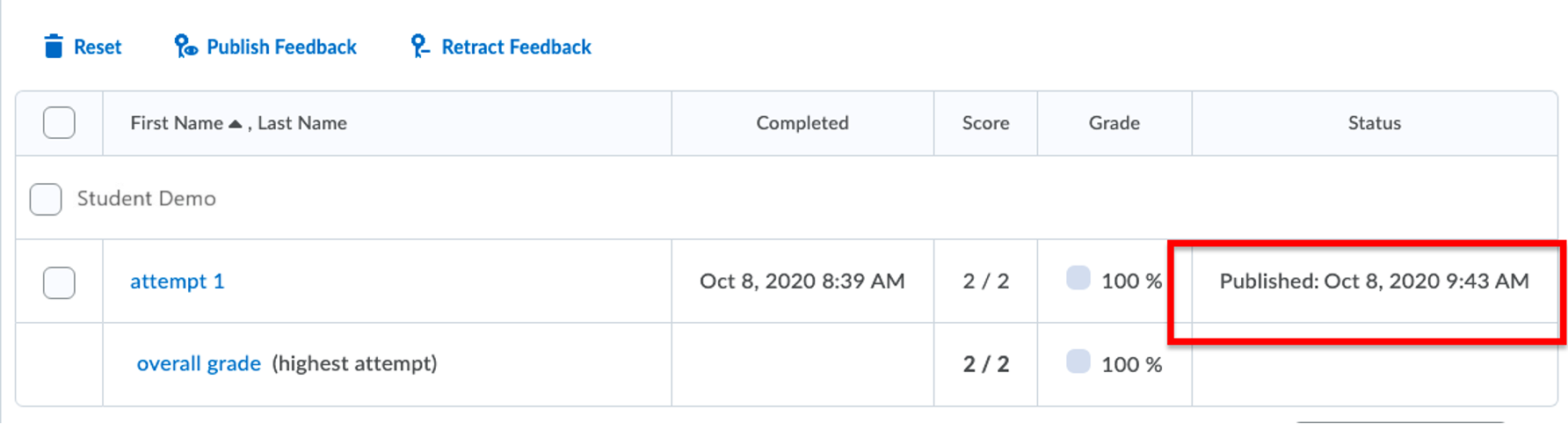
If you forget to check automatic grading and students have submitted to a quiz, then follow the steps outlined in this document.
Go to the quiz and select Grade from the context menu.

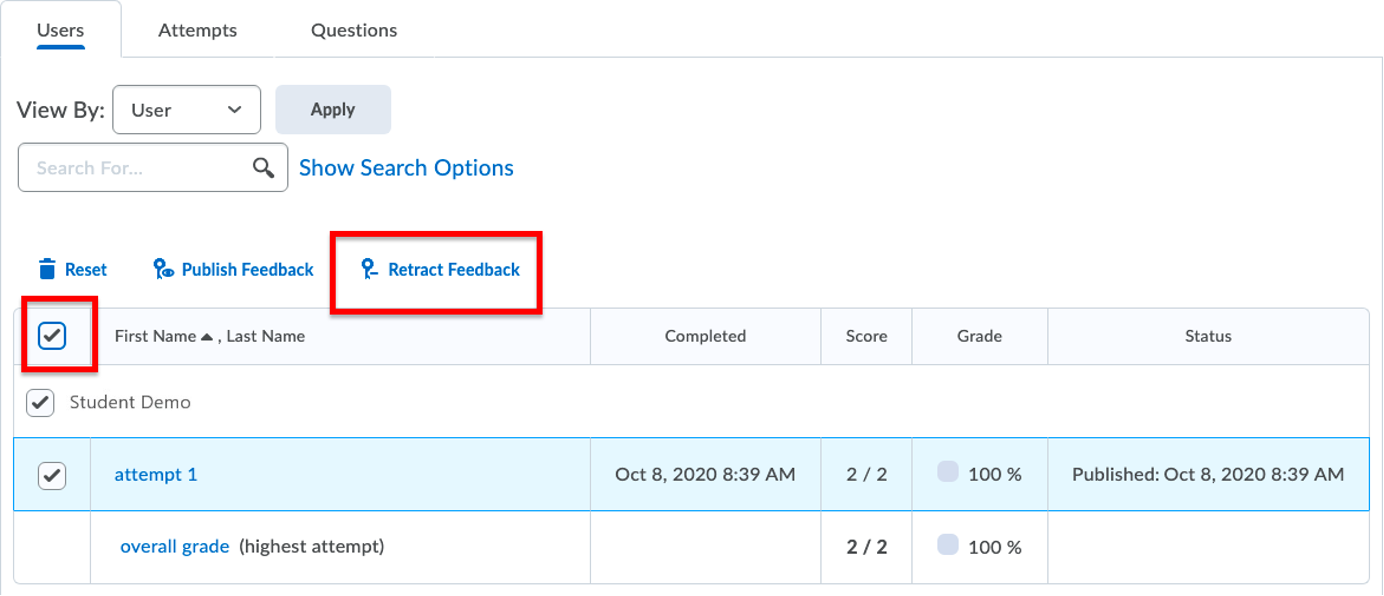
Select all the submissions by selecting the top-most left box. Click Retract Feedback.
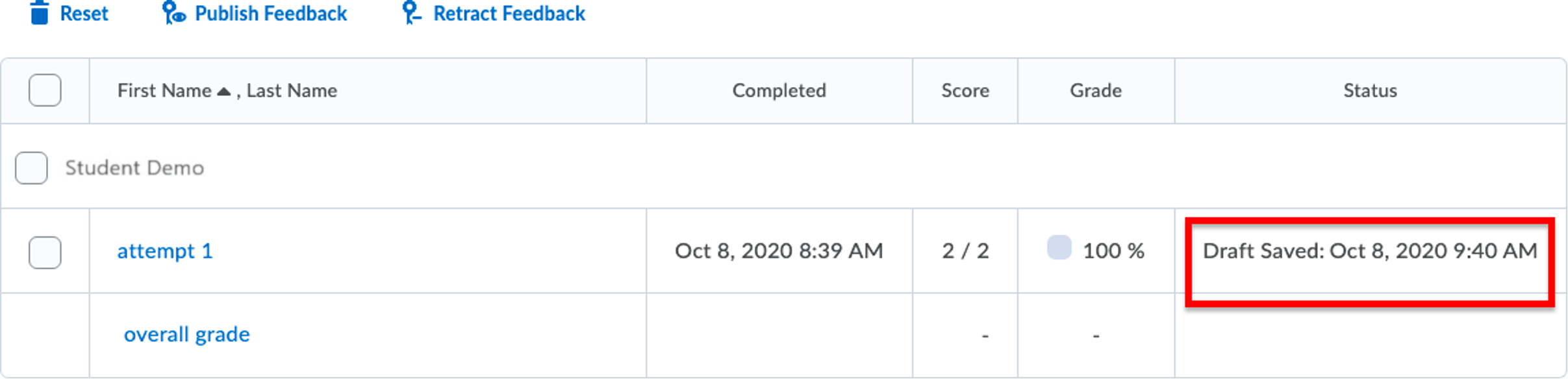
Now all the submissions will have their feedback unpublished or reverted to Draft status (if you happen to have started grading).
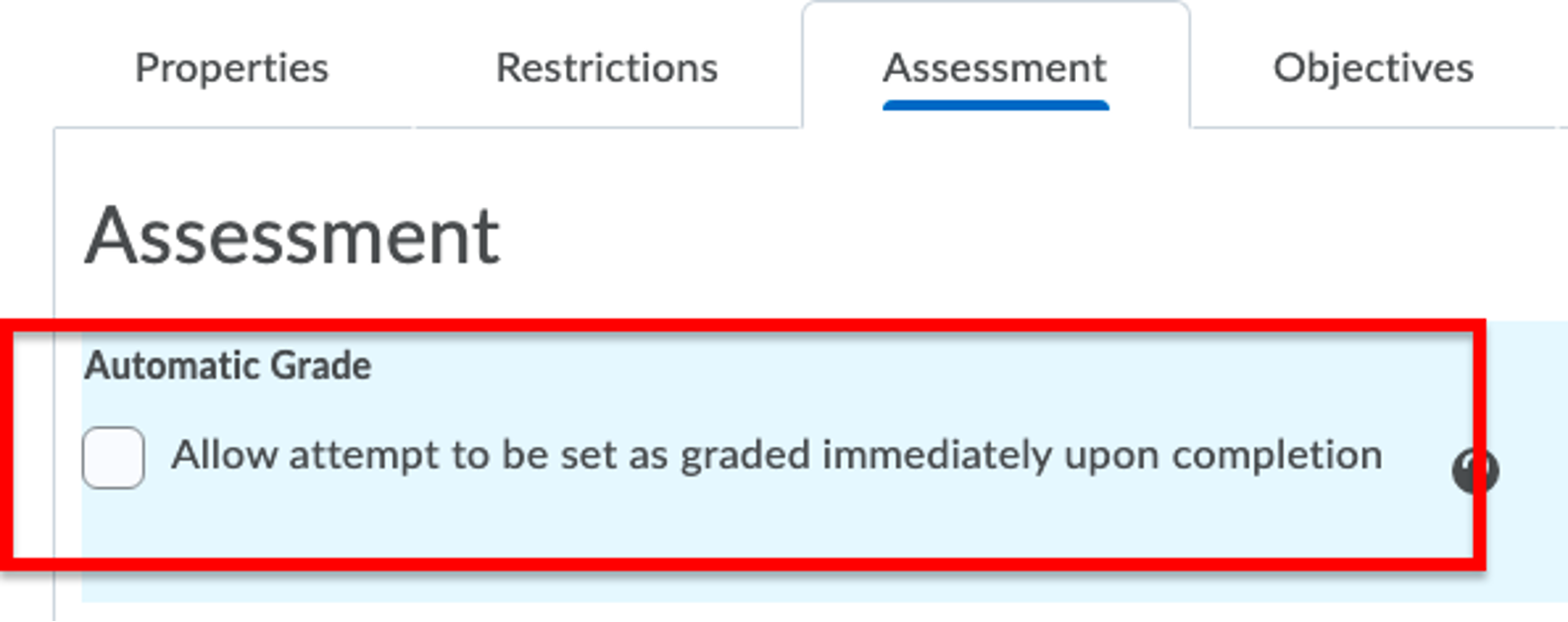
Go into the quiz settings and check the Automatic Grade box.
Return to the quiz grading section and select all the submissions. Click Publish Feedback after selecting all the users’ submissions.
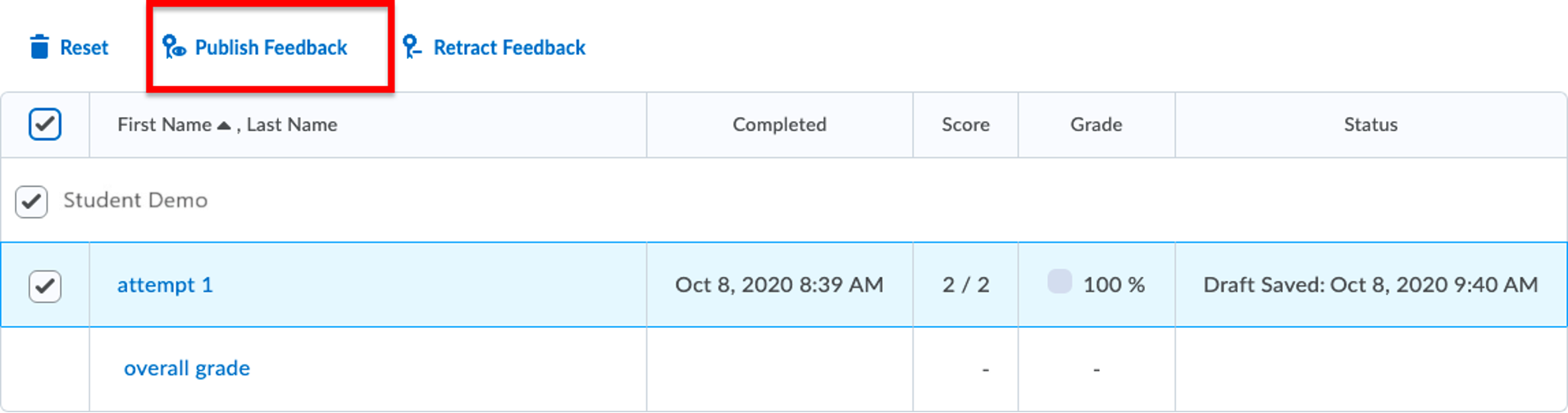
The submissions which have now been automatically graded and the appropriate scores will be published and populated into the gradebook.